
Meoz vs Opal & one sec: less scrolling, more meaningful work
Your hand opens an app before you have decided to open it. Later, you sit down to work and lose half an hour inside a website you actually needed. Those are two different problems. Opal, one sec and Meoz approach them from different directions.
| App | Main emphasis | A useful question |
|---|---|---|
| Meoz | Staying connected to a work goal on Mac | Is this browsing helping the task I chose? |
| Opal | Screen-time boundaries and focus rules | Which apps need clearer limits? |
| one sec | Interrupting automatic opening, plus blocking | Do I really want to open this now? |
Opening less often is not the same as staying on task
A brief interruption can be enough when you reach for a feed without thinking. A stronger boundary may help when you already know an app will absorb the evening. But neither decision automatically answers whether the next page you open for work is relevant.
Consider preparing a presentation. You need examples, a reference video and a few facts. Twenty minutes later, you are still browsing, but the slide is no closer to finished. Your problem was not simply too much screen time: the work itself required a screen. Meoz's focus is the relationship between the activity and the goal.
Where Opal and one sec earn their place
Opal offers focus rules, timers and screen-time tools across phone and desktop platforms. It is worth considering when you want clearer boundaries around selected apps. one sec puts a deliberate interruption into opening habits, such as a breathing pause; it also offers blocking and browser support. Calling it only a breathing prompt would miss part of the product.
These approaches can be useful before work even begins. If you pick up your phone every few minutes, a Mac companion alone does not solve that. Choose based on where the distraction happens, and check the exact features available on your devices and plan.
We are not claiming either product lacks thoughtful design or that everyone needs AI. If an opening pause reliably changes your habit, that is a good outcome. The next question is whether you also need support after you have intentionally entered a work resource.
When you opened the right site for the wrong next half hour
You open YouTube to understand a concept for your report. The first video is useful. The next one is interesting but unrelated. A daily limit may still have time left, and you already passed the moment of deciding to open the site.
In Meoz, the starting point is a specific goal: “Explain the trade-off in the report's first section.” Available browser context can then be assessed against that goal. Depending on your configuration, Meoz can remind you or intervene when you drift. Dedicated safeguards and your explicit rules still take precedence where applicable.
The advantage is support during the work, not just at the doorway. That is particularly relevant to developers, researchers, writers and founders whose necessary tools overlap with their distractions. It does not mean Meoz perfectly understands every page or watches everything inside a native application.
A gentler return can still have a firm boundary
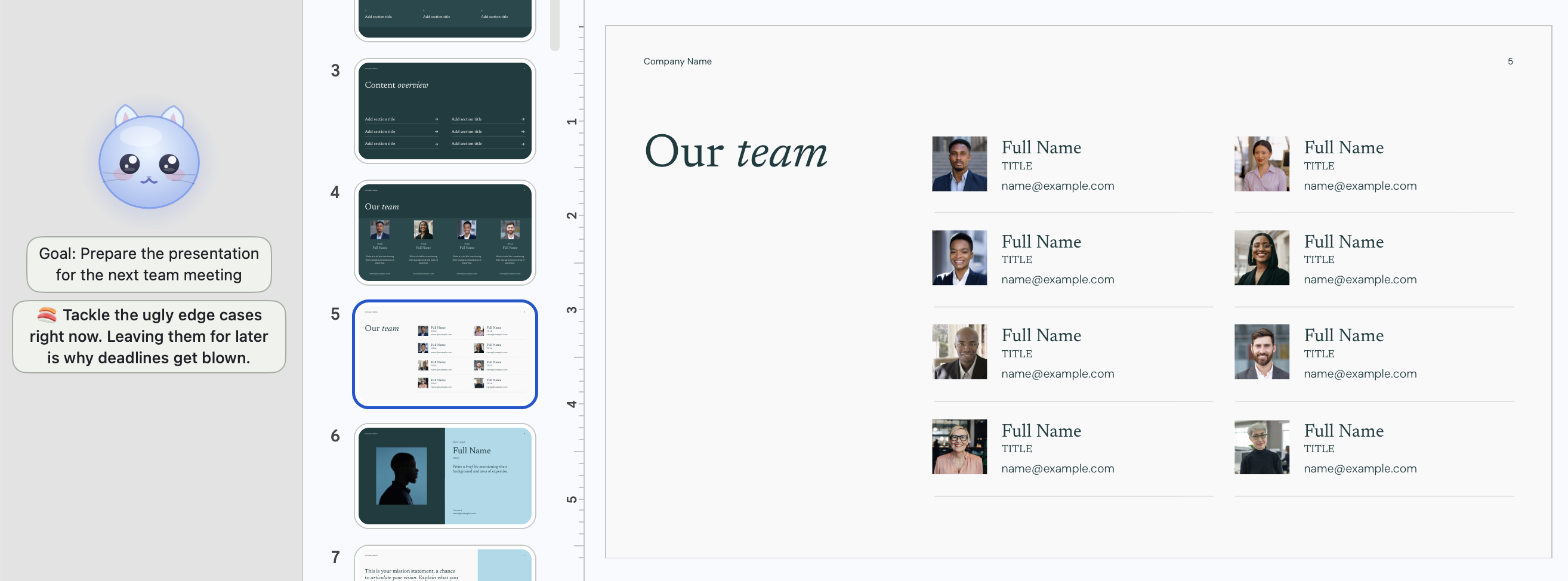
After a difficult paragraph, a little relief is understandable. The frustrating part is coming back much later with the same paragraph waiting and less time to write it. Meoz's small companion and optional goal banner are designed to make that return feel approachable.
You can keep the cat visible, simplify its banners or hide the widget. You can also choose firmer focus protection. The choice is about the support you want, not whether you are a disciplined person. A gentle appearance and stronger settings can coexist.
If repeated interruptions themselves annoy you, use a real session to evaluate that. No app's tone is right for everyone. Start with a clear goal and a modest configuration; avoid switching on the strongest controls before you understand their effect.
Can you use Meoz alongside a screen-time app?
They can serve different needs: a phone boundary for idle opening, and a Mac companion for the research you need to do. But start with the problem that costs you the most time rather than installing several overlapping layers at once.
If another tool blocks a resource before Meoz can assess it, Meoz cannot make that resource available. Conflicting schedules or overlapping restrictions can also make it unclear which app is responsible. Keep the setup simple enough that you can explain why a page is blocked.
Meoz does not provide phone-wide protection. It requires macOS 14 or later, relevant permissions and readable browser context. AI can be wrong. Its correction paths depend on the active rule, and explicit block rules are not erased by a relevance judgement.
What you are paying for—and what to check
Meoz Free supports your own AI key (BYOK), with any provider charges paid separately. Pro offers managed AI and premium controls. Check the current Meoz plan page and each competitor's current plan details before buying; availability can differ across platforms.
Relevant context is processed by the chosen AI route, so consider privacy as well as convenience. A screen-time counter, an opening intervention and goal-aware classification need not have the same data flow. Read the privacy information for the tools you actually enable.
There is no measured effectiveness ranking in this comparison. Our recommendation is based on the kind of support each product describes, not a claim that one app will reduce everyone's screen time by more.
Choose the problem, then choose the app
Consider Opal for boundaries around screen time, one sec for automatic opening habits, and Meoz for staying with a specific task on your Mac. Those needs can overlap, but they are not interchangeable.
For a first Meoz session, pick something that matters today: finish the recommendation slide, understand one issue, write one paragraph. Keep the resources you need accessible and notice what happens when you drift. If a friendly reminder of your own goal helps you return, that is the reason to keep it—not another score to chase.
Bring Meoz to your next work session
About this guide
We build Meoz. This comparison uses official public product information reviewed on October 17, 2026; it is not a hands-on benchmark or a measured effectiveness ranking. Our recommendations reflect workflow fit. Features can vary by platform and plan.
Keep reading
Meoz vs SelfControl, Cold Turkey & Freedom: beyond blocklists
Compare Meoz with SelfControl, Cold Turkey and Freedom: goal-aware focus on Mac, detailed blocking rules, cross-device protection and the trade-offs that matter.
Read article → GuidesThe best focus app for indie builders? Give the next improvement a chance.
Too many dashboards and unfinished changes? Meoz helps founders and indie builders on Mac focus on one useful improvement while keeping research available.
Read article → GuidesUse Meoz's Free AI with your own key (BYOK)
What BYOK includes in Meoz Free, how to get started, and how provider costs and privacy differ from Pro.
Read article →